
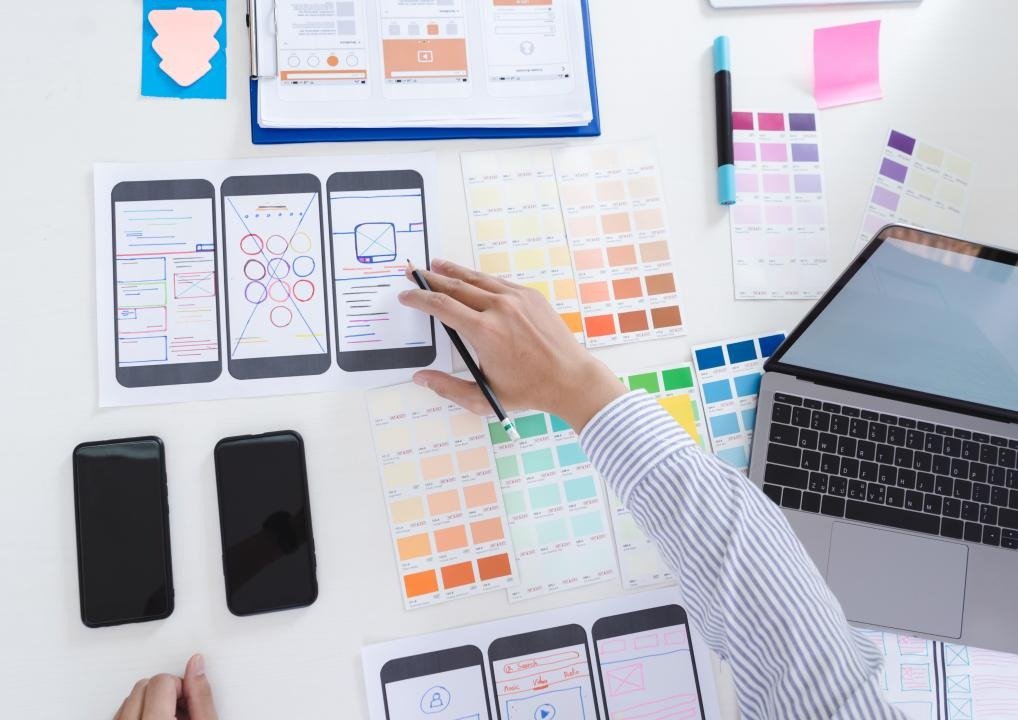
Think about the last mobile app or website you used. Maybe it was an online shopping store, a banking app, a food delivery service, or a learning platform. If it was easy to navigate, visually attractive, and helped you complete your task without confusion, that wasn't an accident—it was the result of thoughtful UI and UX design.
In today's digital world, users expect products to be simple, fast, and enjoyable to use. A beautiful website alone isn't enough. If visitors struggle to find information, complete a purchase, or navigate the interface, they'll quickly leave and choose another option.
This is where UI (User Interface) Design and UX (User Experience) Design play a vital role.
UI/UX Design is the process of creating digital experiences that are visually appealing, intuitive, and user-friendly. It combines creativity, psychology, research, and technology to ensure that websites and applications not only look great but also solve users' problems efficiently.
Whether you're interested in web design, mobile app development, product design, or freelancing, UI/UX Design offers excellent career opportunities. In this guide, you'll learn the fundamentals of UI and UX, essential design principles, tools, career paths, and a practical roadmap to becoming a professional designer.
What is UI Design?
User Interface (UI) Design focuses on the visual appearance and interactive elements of a digital product.
UI designers create Buttons, Navigation menus, Icons, Forms, Typography, Color schemes, Layouts, Cards, Dashboards, and Animations.
Their goal is to make interfaces attractive, consistent, and easy to use. A well-designed interface builds trust, improves usability, and creates a professional impression.
What is UX Design?
User Experience (UX) Design focuses on how users interact with a product.
UX designers research user needs, identify problems, and create experiences that are efficient, enjoyable, and meaningful.
Typical UX activities include User Research, Personas, User Journey Mapping, Information Architecture, Wireframing, Prototyping, Usability Testing, and Accessibility Evaluation. The goal is to make every interaction simple and satisfying.
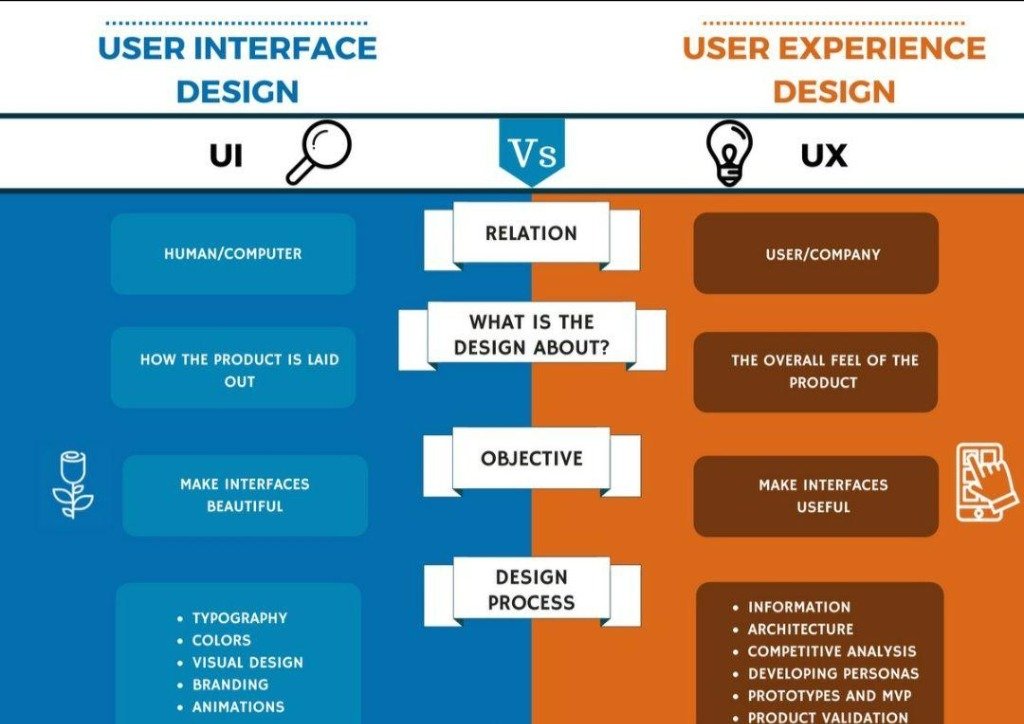
UI vs UX
Although UI and UX are closely related, they are different disciplines.
| UI Design | UX Design |
|---|---|
| Focuses on appearance | Focuses on experience |
| Colors & Typography | User research & Problem solving |
| Buttons & Layout | User journey & Navigation flow |
| Visual design & Icons | Usability & Accessibility |
A successful product requires both excellent UI and excellent UX.
Why is UI/UX Design Important?
Good design benefits both users and businesses. It helps to Improve customer satisfaction, Increase website engagement, Boost conversion rates, Reduce user frustration, Build brand trust, Improve accessibility, Increase customer retention, and Reduce development costs by identifying issues early.
A great design isn't just about aesthetics—it's about solving real problems for real people.
Core Principles of UI Design
- Consistency: Use the same colors, fonts, spacing, and button styles throughout the product.
- Simplicity: Keep interfaces clean and avoid unnecessary elements.
- Visual Hierarchy: Guide users' attention by using size, spacing, contrast, and typography effectively.
- Readability: Choose fonts and text sizes that are easy to read on all devices.
- Responsive Design: Ensure layouts adapt seamlessly to desktops, tablets, and smartphones.
- Accessibility: Design products that everyone can use, including people with disabilities.
UX Design Process
Most UX projects follow a structured process:
- User Research: Understand users' needs, goals, and challenges through interviews, surveys, and analytics.
- Define the Problem: Clearly identify the problem the product aims to solve.
- Information Architecture: Organize content logically so users can find information quickly.
- Wireframing: Create simple layouts that show the placement of elements without focusing on colors or graphics.
- Prototyping: Build interactive mockups that simulate the final product.
- Usability Testing: Observe real users interacting with the prototype to identify pain points and improve the design.

Essential Skills and Tools
Essential Skills
Design Thinking, User Research, Wireframing, Prototyping, Typography, Color Theory, Layout Design, Responsive Design, Accessibility, Information Architecture, Interaction Design, Communication, Problem Solving, Creativity, and Collaboration.
Popular Tools
Figma, Adobe XD, Sketch, Framer, InVision, Miro, FigJam, Photoshop, Illustrator, Maze, Hotjar, and Zeplin. Figma is currently one of the most widely used tools because it supports real-time collaboration and works directly in the browser.
Where is UI/UX Design Used?
UI/UX design is essential across many industries, including Technology (SaaS platforms, Web applications), E-commerce (Online stores, Checkout experiences), Banking (Mobile banking apps, Digital wallets), Healthcare (Patient portals, Telemedicine), Education (Learning Management Systems, Online courses), and Gaming (Game menus, Player interfaces).
Design Systems and Design Thinking
What is a Design System?
A design system is a collection of reusable components, design guidelines, and standards that help designers and developers build consistent digital products.
A typical design system includes: Color Palette, Typography, Buttons, Icons, Cards, Navigation Bars, Input Fields, Forms, Grid Systems, and Spacing Rules.
Large companies like Google, Microsoft, Apple, and Airbnb all use design systems to ensure their products remain consistent across different platforms.
What is Design Thinking?
Design Thinking is a problem-solving approach that focuses on understanding users and creating solutions that truly meet their needs. The process usually includes Empathize, Define, Ideate, Prototype, and Test. This approach encourages creativity while keeping users at the center of every design decision.
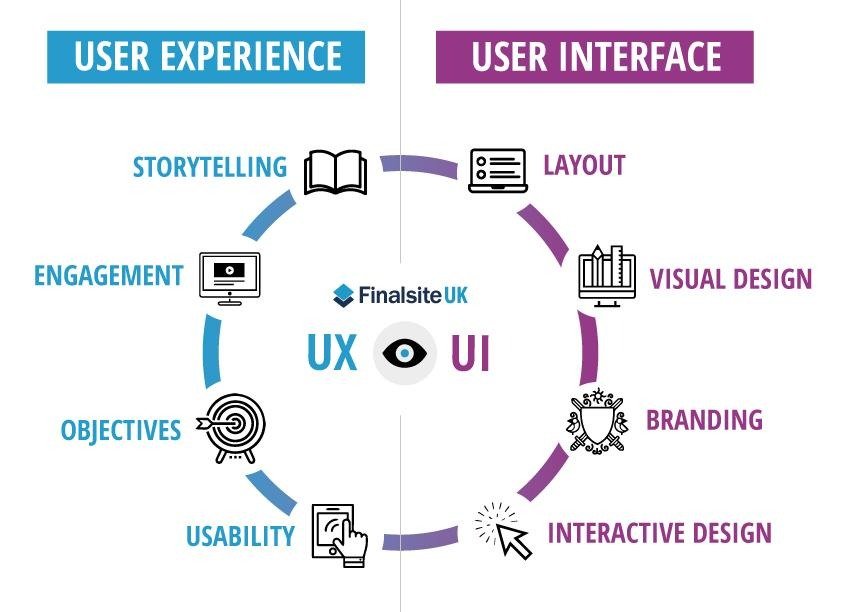
Figma Workflow
A typical Figma workflow looks like this:
- Research: Understand project requirements and business goals.
- Wireframes: Create simple black-and-white layouts.
- High-Fidelity UI Design: Add colors, typography, images, icons, and branding.
- Interactive Prototype: Connect screens to experience how the application will behave.
- Developer Handoff: Share the final design with developers.
Career Opportunities & Salary
UI/UX Design offers a wide variety of career opportunities in startups, software companies, agencies, and freelance marketplaces. Popular job roles include UI Designer, UX Designer, Product Designer, Interaction Designer, Visual Designer, UX Researcher, Information Architect, Mobile App Designer, Web Designer, Design System Designer, and UX Writer.
UI/UX professionals are among the highest-paid creative technology specialists. Freelancers can also generate significant income by offering services to international clients.
Step-by-Step UI/UX Learning Roadmap
- Learn Design Fundamentals: Color Theory, Typography, Layout, Contrast, White Space, Visual Hierarchy.
- Learn UX Principles: User Research, Personas, User Flows, Information Architecture, Accessibility.
- Master Figma: Frames, Components, Auto Layout, Variants, Interactive Prototypes.
- Learn Responsive Design: Design for Mobile, Tablets, Laptops, Desktop Screens.
- Build Real Projects: Portfolio Website, E-commerce Store, Banking App, Food Delivery App, SaaS Dashboard.
- Learn Basic Front-End Development: Basic HTML, CSS, JavaScript to communicate better with developers.
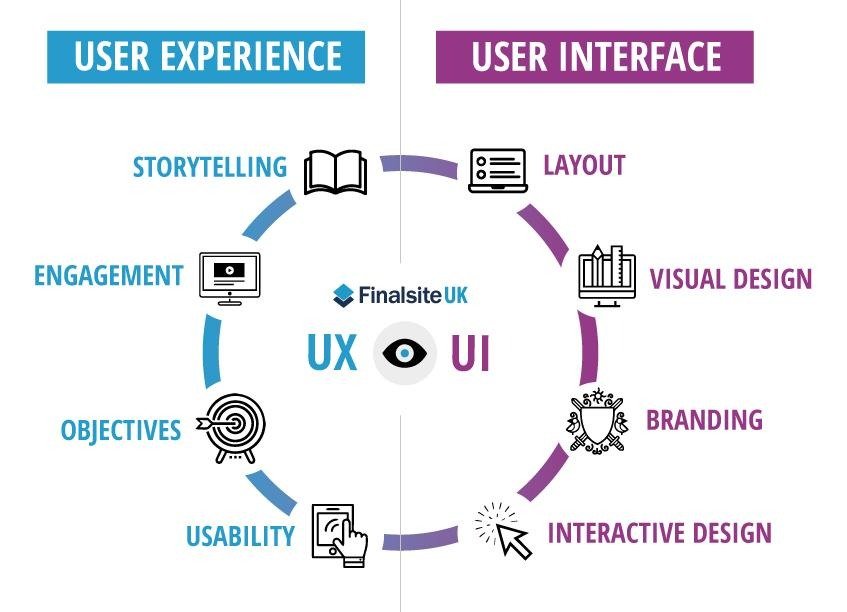
Building a Strong Portfolio
Your portfolio is often more important than your resume. Include Case Studies, Wireframes, User Research, Final UI Screens, Interactive Prototypes, Design Decisions, Before-and-After Improvements, and Responsive Designs. Explain not only what you designed but also why you made those decisions.
Best UI/UX Certifications & Resources
Popular certifications include Google UX Design Professional Certificate, IBM UI/UX Designer Certificate, Interaction Design Foundation (IxDF) Courses, Coursera UI/UX Specializations, and Adobe Certified Professional.
Free learning resources include Figma Learn, Google Design, Material Design Guidelines, Apple Human Interface Guidelines, Microsoft Fluent Design, freeCodeCamp, Dribbble, and Behance.
Frequently Asked Questions (FAQs)
Is UI/UX Design a good career in 2026?
Yes. As businesses continue developing websites, mobile applications, SaaS platforms, and digital products, the demand for skilled UI/UX designers remains strong.
Do I need coding to become a UI/UX designer?
No. Most UI/UX roles focus on design, research, and usability. However, basic knowledge of HTML, CSS, and JavaScript can be helpful when collaborating with developers.
Which tool should I learn first?
Figma is an excellent starting point because it is widely used in the industry, supports collaboration, and offers powerful design and prototyping features.
No comments yet. Be the first to share your thoughts!